
Florida VINE in Citrus County
Florida VINE is the custody notification service described by the Florida Department of Corrections. You can check a status anonymously or register for change alerts. Notices go out by phone, text, email, and supported web or mobile features. Support is available around the clock at 1-877-846-3435. The system follows covered county jails, FDC inmates, and some FDC-supervised people. What you see depends on the record selected.
One limit matters for Citrus County. An official 2006 Clerk meeting record named the former facility operator as the county's VINE agent. That proves historical participation, but it says nothing about the present state of every feed. Run a current Florida search in VINELink. You can also confirm coverage with the Citrus County Detention Facility at (352) 527-3332. Silence does not mean the person was never booked.
Check a Citrus Arrest on VINELink
Begin with the person's name, adding a custody or offender number if you have one. Similar names are common. Never stop at the first match. Compare the identity details, facility, and custody state before accepting a result. A booking date, full charge list, bond, photo, or court outcome may not appear. Those details live in different records.
- Open VINELink and choose Florida.
- Search by name or custody number.
- Compare available identity details across likely matches.
- Check the facility and reported custody status.
- Confirm an unclear result with the Lecanto facility.
The VINELink search interface is the current place to choose the person and jurisdiction.
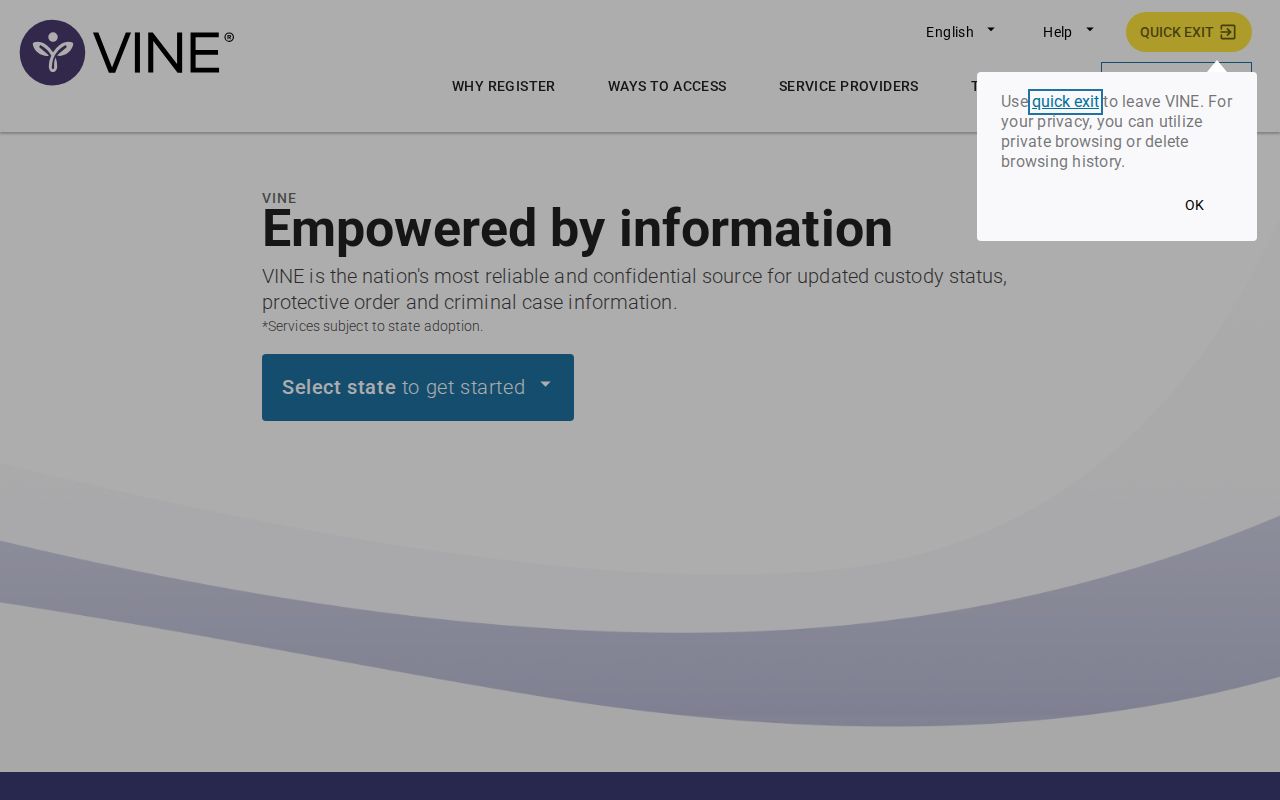
The interface can change, so follow its visible prompts rather than an old direct query path.
What a Citrus VINE Result Means
A result is a custody snapshot from one covered system. It may show the person, status, facility, and a number tied to the custody record, plus an alert route. Read each field by its narrow purpose.
| Result field | What it can establish |
|---|---|
| Name or identity | The person tied to the selected entry |
| Custody status | The status reported by the participating agency |
| Facility | The covered location tied to the result |
| Custody number | An identifier useful for later checks |
| Alert option | A route to supported status-change notices |
VINE is not the CCSO Recent Arrest PDF. That document lists the arrest event and its charge rows. VINE also does not replace SCORSS, the Clerk search for filings and case outcomes.
Register for Florida Custody Alerts
Start registration from the correct person's record. Florida materials describe phone, text, email, and supported mobile options for notices. Pick contact details you control, and guard the four-digit PIN, since it confirms receipt during a call and helps manage notices later.
- Confirm that the record belongs to the right person.
- Choose a supported notice, such as release or transfer.
- Select phone, text, or email.
- Create and retain the four-digit PIN.
- Keep the contact details current and use the PIN when prompted.
Florida guidance says calls may keep coming for a period such as 24 to 48 hours. The calls continue until the PIN is entered. That is no promise every status change will reach every device at once. Registration is confidential, but an alert is a notification aid, not a safety plan. The VINELink registration screen provides the current setup route.
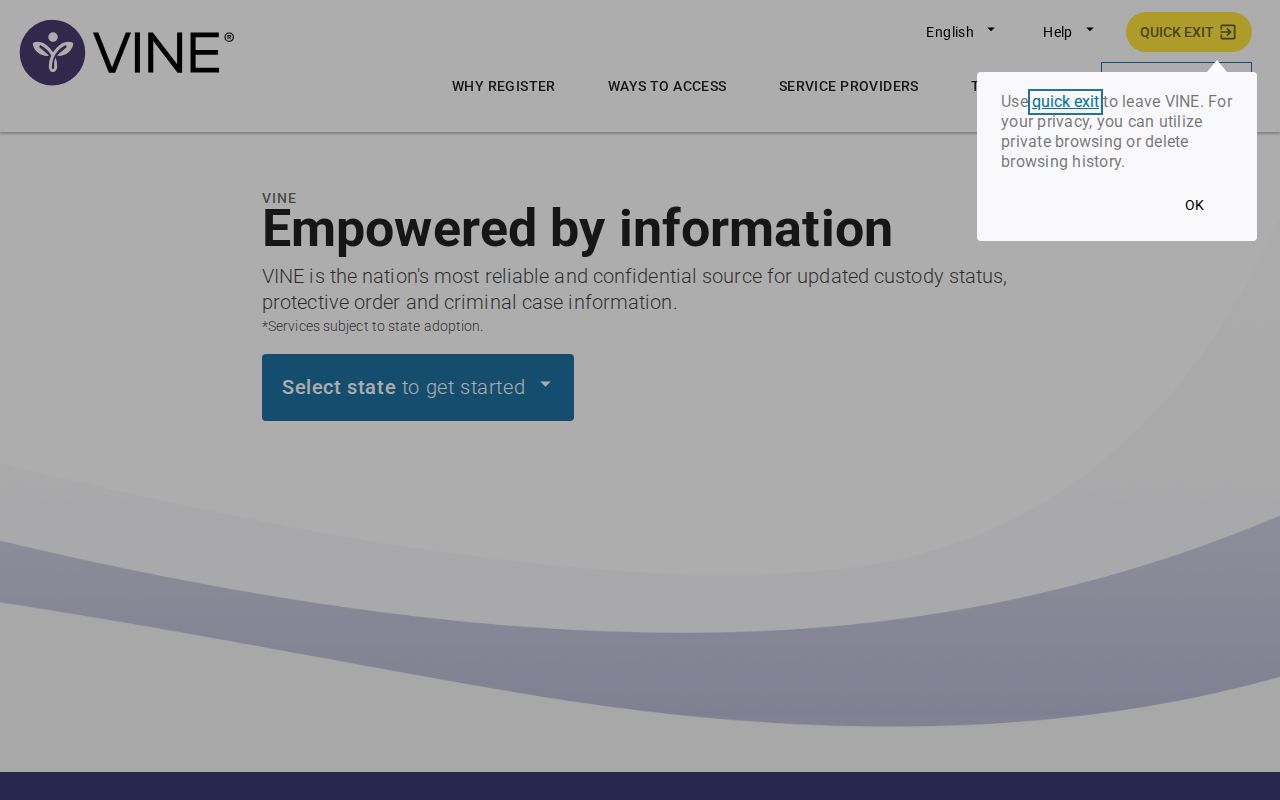
Verify the person first, then keep the PIN and access to your chosen contact method.
Citrus VINELink Limits and Checks
A fresh arrest can reach the jail before data shows up in VINE or the sheriff's report. CCSO publishes a ten-day PDF, though the file can lag and no hourly cadence is promised. Check the page for people arrested today. When the custody question cannot wait, call CoreCivic. For an arrest report or photo, contact CCSO Records. The number is (352) 341-7414, or email publicrecords@sheriffcitrus.org.
Verify before relying: A missing or delayed VINE result proves nothing. It does not show release, transfer, or that no Citrus County arrest occurred.
Federal custody is a separate world. VINE does not fold it into Florida records. A person under federal authority may require the Bureau of Prisons locator. Immigration detention calls for the ICE locator. The CoreCivic facility page lists separate ICE and U.S. Marshals contact routes, which shows why one building can need more than one official search.
Use VINE as an Alert Aid
Official guidance warns against relying on VINE alone for safety. Alerts get delayed. Devices fail. Custody records move between systems. In an emergency, call 911, and never use a notice to confront, locate, or contact a person. Victims and families should follow existing safety plans. Lean on official victim-service contacts for support.
Other county tools serve different jobs. Alert Citrus, the sheriff app, CityProtect, and the P3 tip route handle emergency notices, agency information, map context, or tips, not person-specific custody registration. Keeping those tools distinct matters. It keeps a broad county alert from being mistaken for a release notice.
Citrus Custody Stages Differ
Custody in Citrus County moves in stages. Right after an arrest, the person sits inside the county booking flow. Once they are actually held in covered custody, VINE can pick them up. Release changes the answer again. The arrest record and the court case both live on. A state prison sentence or FDC supervision shifts the search to the Florida Department of Corrections offender search. None of these tracks a federal hold.
So match the tool to the stage. CCSO holds the initial record, and CoreCivic and current VINE coverage show present jail custody. SCORSS carries the case result. FDC covers prison and supervision. That order keeps a transfer from looking like a disappearance.
Custody versus court: A person can sit in the Citrus County jail while their case is still open. Custody status alone says nothing about how the case ends; the court record holds that answer.
When Citrus VINE Finds No Match
A no-match on Citrus County VINE usually has a plain cause. Check the spelling first. Try aliases and the custody number too. Confirm Florida was selected, then compare the likely jurisdiction. A miss can mean a fresh upload delay, a release, a transfer, a record outside current participation, or a different custody authority entirely. The result alone cannot tell you which. Ask the facility a narrow status question, and route the arrest event through the sheriff's official record process.
Timing shapes the best source as well. The CCSO report spans a ten-day posting window. VINE covers custody and notifications instead. The Clerk tracks court activity once charges are filed, and FDC handles prison and supervision records. An older booking no longer on the sheriff page calls for a defined public-records request, not VINE, which is no archive.
Know which office answers which question. CoreCivic runs the Citrus County Detention Facility, so its contact line serves a current custody check. CCSO stays the arrest publisher and records custodian for sheriff reports and booking photographs. Its request form seeks a case number, date, place, and a clear description of the record. That route takes research and exemptions, so it is no same-day stand-in for a custody call.
Confirm the Citrus Custody Identity
A shared name proves nothing. Match the record number, facility, birth details, and status before you register. Two plausible results still standing? Call the named facility instead of guessing. The CCSO arrest PDF adds an AR number and arrest date, though its photo cell may sit blank. Combine those fields, and treat no name, image, custody flag, or charge as a verdict.
Open Official VINELink
The official VINELink home screen works best when saved state routes change.

Select Florida there. Then identify the right person, and return to the facility when the result leaves the custody question open.
Search Public Records Again
Sponsored Results